
Dynamics 365 & Dataverse Integration
Dynamics 365 apps
for the people doing the work.
Your customer, sales, quotation, service and operations data already lives in Dynamics 365. We build the mobile apps and web portals that let field teams, dealers, customers or office staff use that data without navigating the full CRM.
What We Do
How we connect apps
to Dynamics 365.
Existing Dynamics 365 Structures
We examine your standard and custom Dataverse tables, fields, relationships and business flows before development. We build on the CRM structure you already use instead of asking you to rebuild it.
Dataverse Web API & OData
We use the Dataverse Web API and OData standards to retrieve only the records and relationships an application needs. Filtering, pagination and large data sets are handled as part of the integration.
GraphQL API Layer
When several apps share the same Dataverse environment, we can provide a central GraphQL layer. Mobile and web teams work with a smaller API shaped around their screens instead of the full CRM data model.
Entra ID & Controlled Access
We handle authentication through Microsoft Entra ID and keep CRM credentials out of mobile and browser code. Backend services enforce which users and applications can reach each part of the data.
Mobile & Web Applications
We develop field service apps, sales tools, customer and dealer portals, service screens and internal operation panels with Flutter, React or Angular, backed by the same Dynamics 365 data.
Query & Integration Performance
We reduce unnecessary data transfer and review slow queries, relationship expansion and request volume. Caching and background synchronisation are added when the application and usage pattern call for them.
Our Approach
How we architect
mobile excellence.
Flutter Project Organisation
Feature-based folder structure for faster developer onboarding and maintainability.
BLoC State Management
Events trigger business logic, states update UI reactively - simplifying testing and debugging.
Custom Widget Library
Reusable components and proven design patterns ensure consistency across every screen.
Flutter vs React Native Strategy
We select the right technology based on your project - evaluated for performance, expertise, and long-term fit.
API Integration & Real-time Data
Dio/HTTP, WebSocket connections, and Stream/Future handling for live, reactive user experiences.
Testing & App Store Publishing
Unit, widget, and integration testing with mockito - plus full App Store and Google Play publishing support.
Flutter Project Organisation
Feature-based folder structure (/lib/features/auth, /lib/core/network, /lib/shared/widgets) for faster developer onboarding and maintainability.
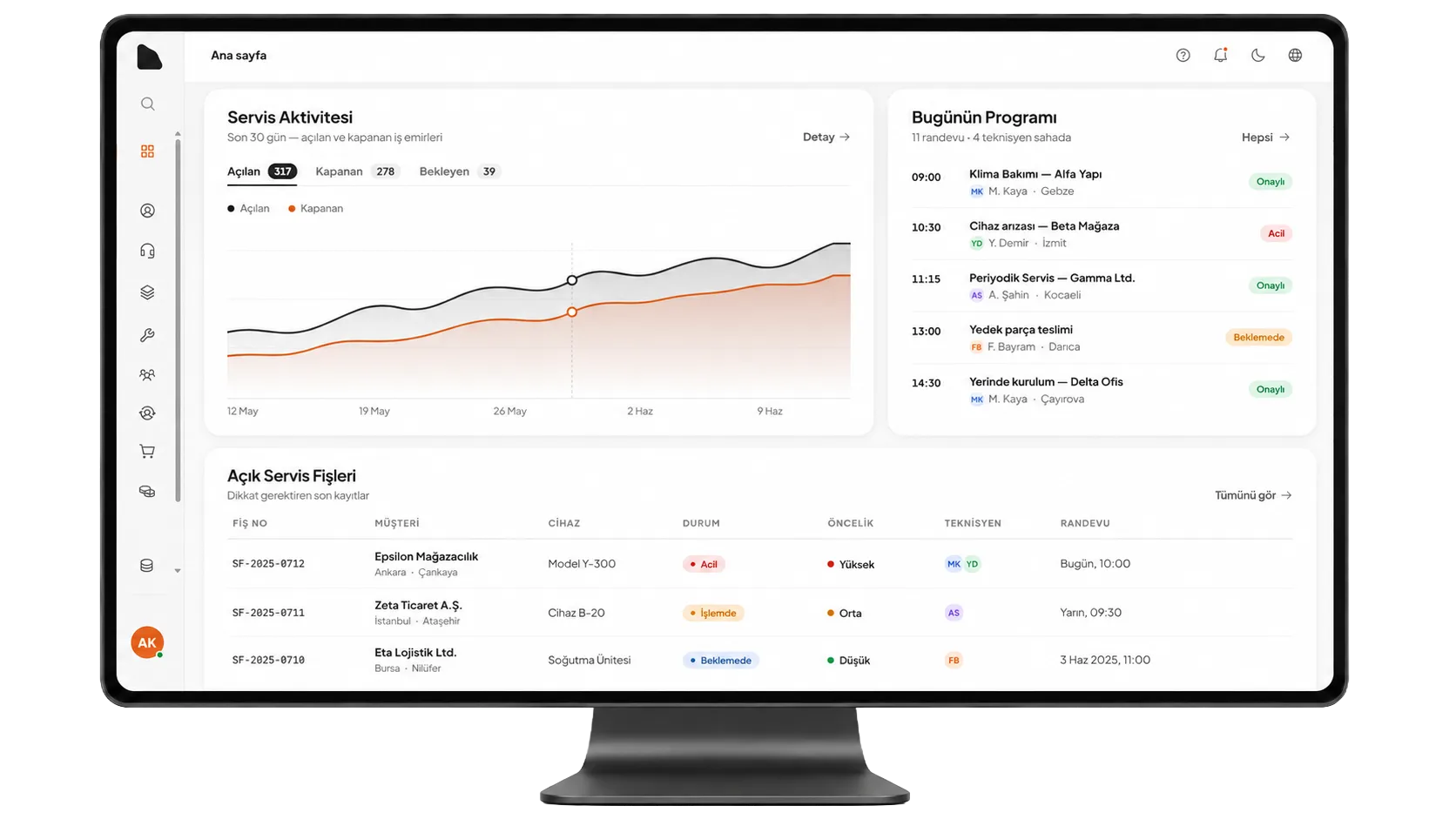
We Start with Your Dataverse Model
Account, Contact and Opportunity may be only a small part of your setup. We map custom tables, lookups, option sets, ownership rules and the workflows your teams already follow before deciding how an app should connect.
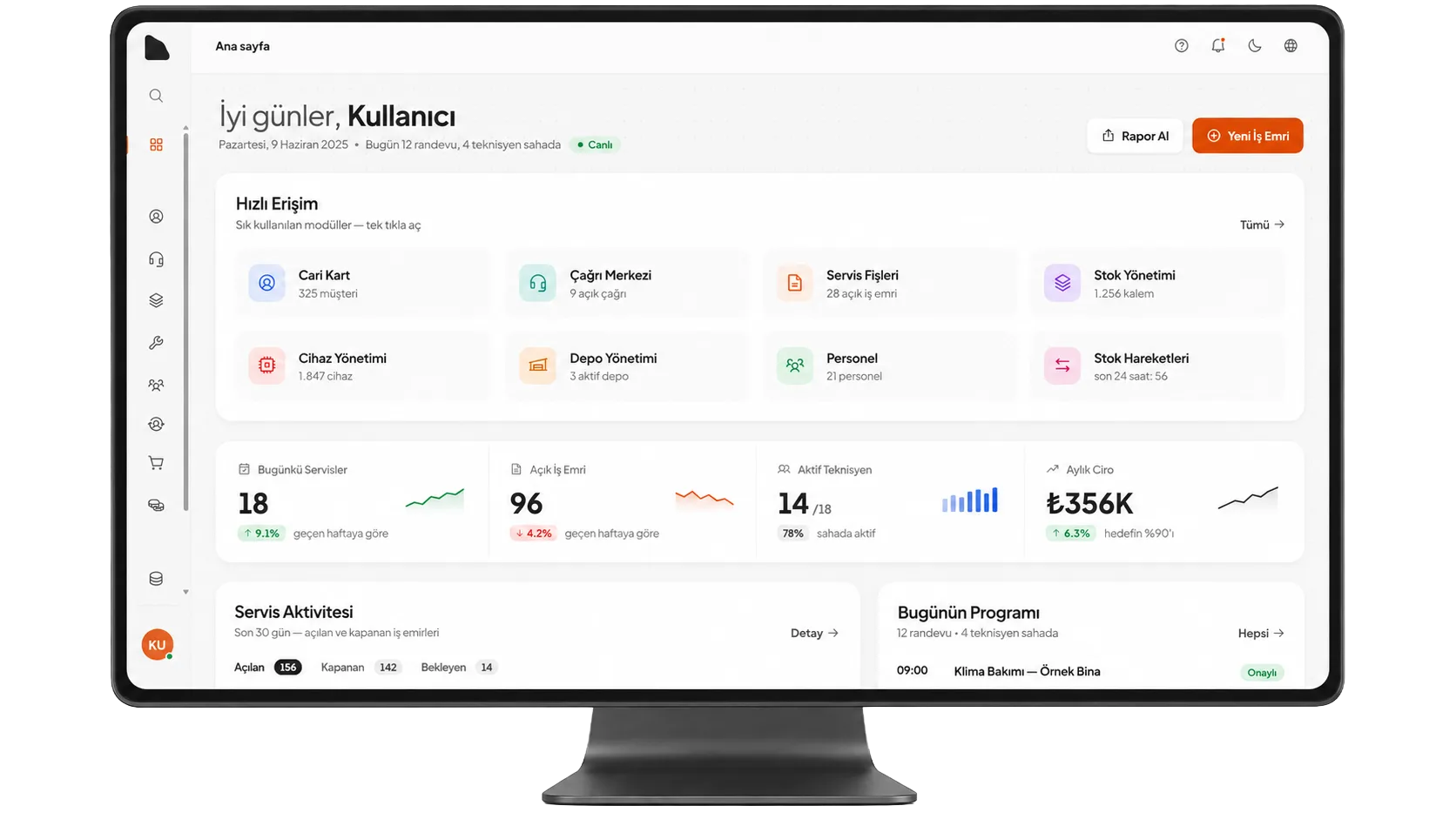
Users See Only What They Need
Dynamics 365 remains the central data source, while technicians, sales teams, dealers or customers use focused screens made for their own tasks. They do not need to learn the whole CRM to complete one job.
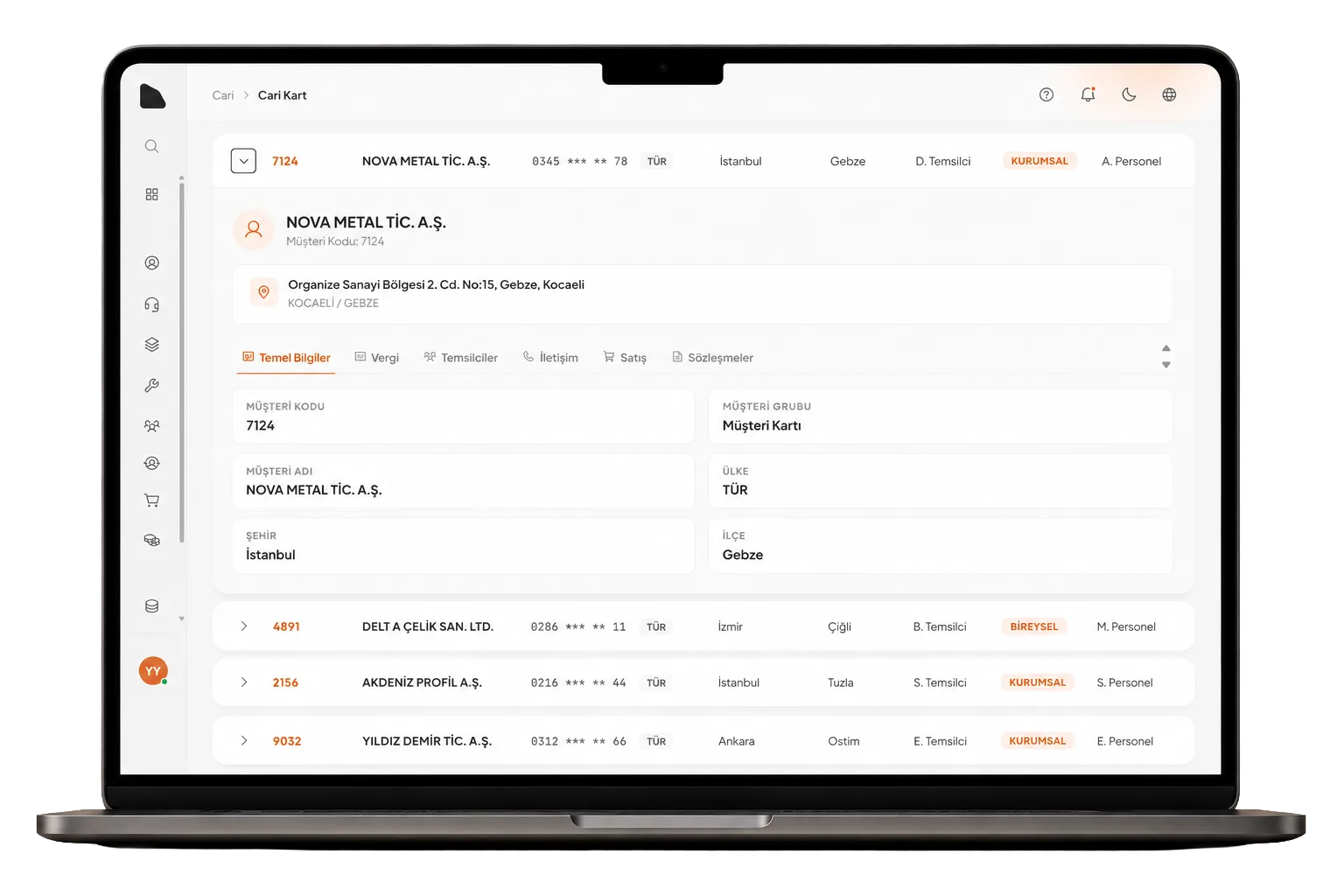
CRM Access Stays on the Backend
Mobile and web clients connect to a controlled backend rather than storing Dataverse credentials. We apply Entra ID authentication, application permissions and user-level checks according to the project.
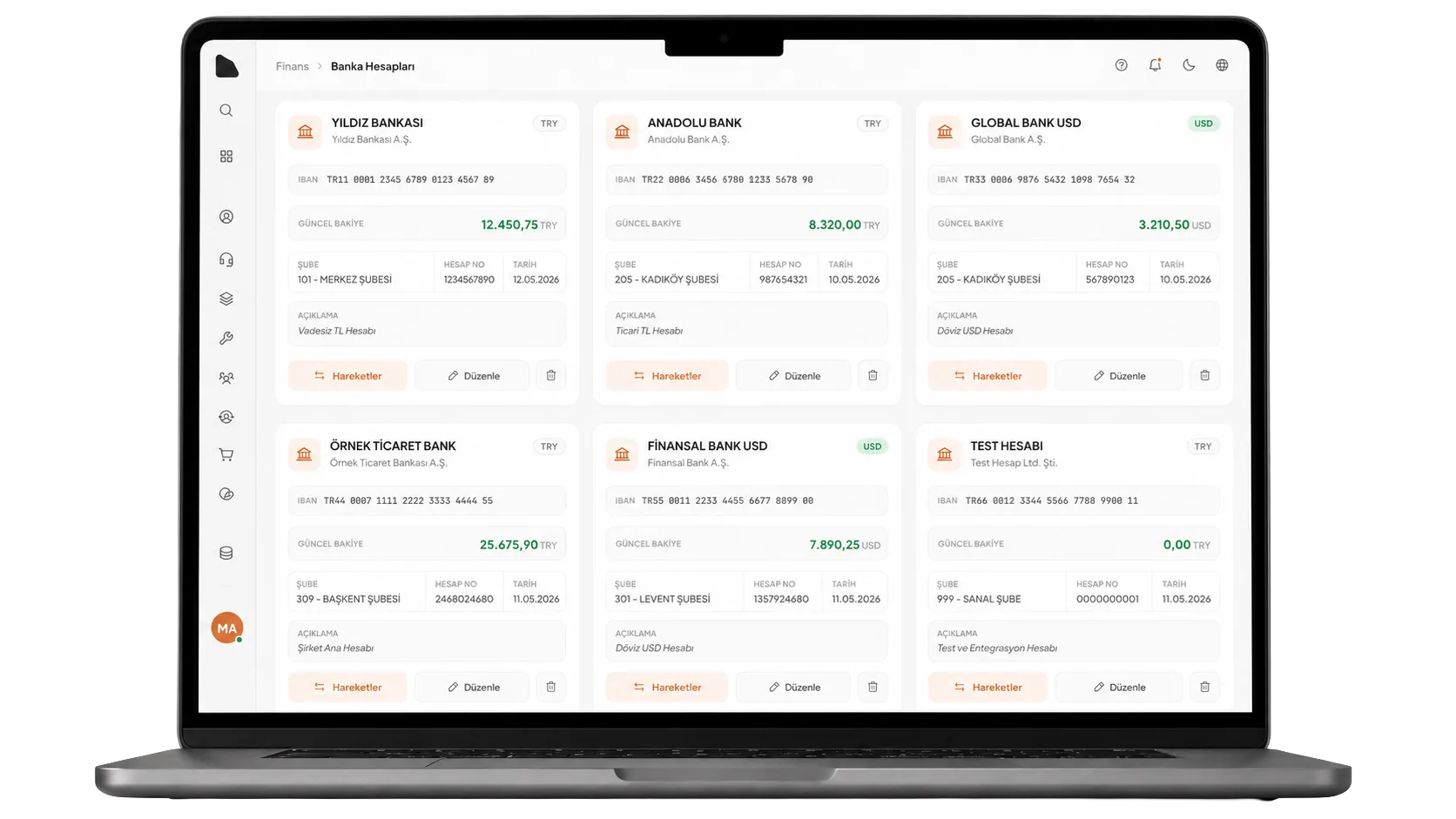
One Integration, More Than One App
A shared API layer keeps Dataverse rules in one place when mobile apps, web portals and internal tools use the same CRM. New applications can then reuse authentication, queries and business rules instead of rebuilding the integration.
Dynamics 365 integration questions
Before we start,
clients usually ask these.
No. We first review your current Dataverse tables, fields, relationships, permissions and business rules. The mobile app, web portal or API is then designed to work with that structure. We only recommend CRM changes when there is a clear technical or operational reason.
Yes. The mobile app does not need to store Dataverse credentials. It connects to a backend service that handles Microsoft Entra ID authentication, permissions and Dataverse requests. The exact access model depends on whether users sign in individually or the integration runs as an application.
GraphQL can be useful when several mobile and web applications share the same Dataverse environment or when screens need data from several related tables. It gives client applications a smaller API while keeping Dataverse-specific queries and rules on the backend.
Yes. Most real Dynamics 365 environments contain custom tables, columns, relationships, choices and business rules. We inspect the metadata and existing flows before writing the integration rather than assuming a standard CRM model.
Common examples include technician and field service apps, sales tools, dealer or customer portals, quotation and order screens, internal operation panels and reporting interfaces. The right scope depends on who will use the application and which Dataverse processes they need.
Related Solutions
Related products
we have built.
RastCRM
Sales, service and field operations on a shared CRM platform.
Technician Application
Mobile tools for installation, maintenance and field service teams.
Courier Tracking Application
Live delivery, task and courier operations connected to central business data.
Planning a Dynamics 365 integration?
Let us look at your Dataverse structure together